
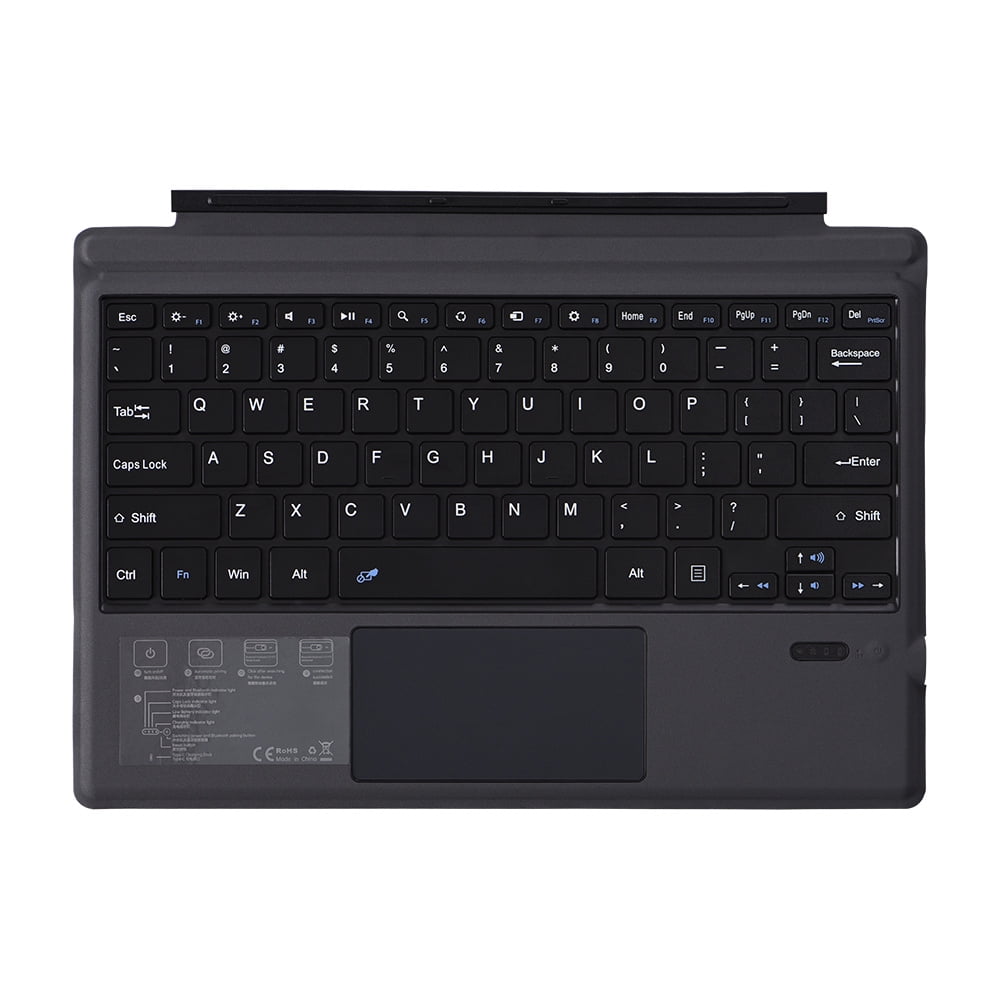
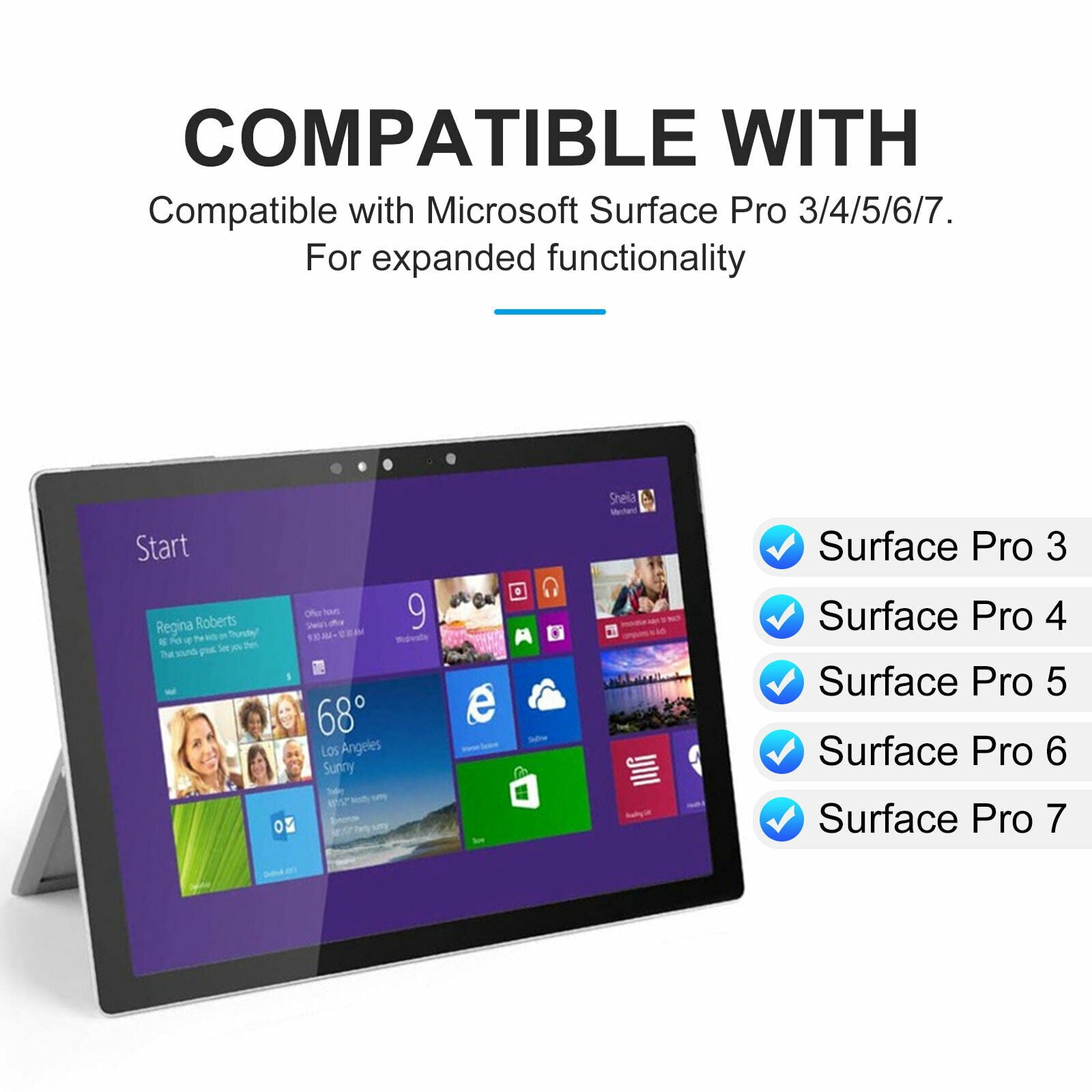
Ft-1089d Wireless Bluetooth-compatible Keyboard With Touchpad Backlit Compatible For Microsoft Surface Pro 3 4 5 6 7
Product details
| Management number | 230339268 | Release Date | 2026/06/18 | List Price | US$22.00 | Model Number | 230339268 | ||
|---|---|---|---|---|---|---|---|---|---|
| Category | |||||||||
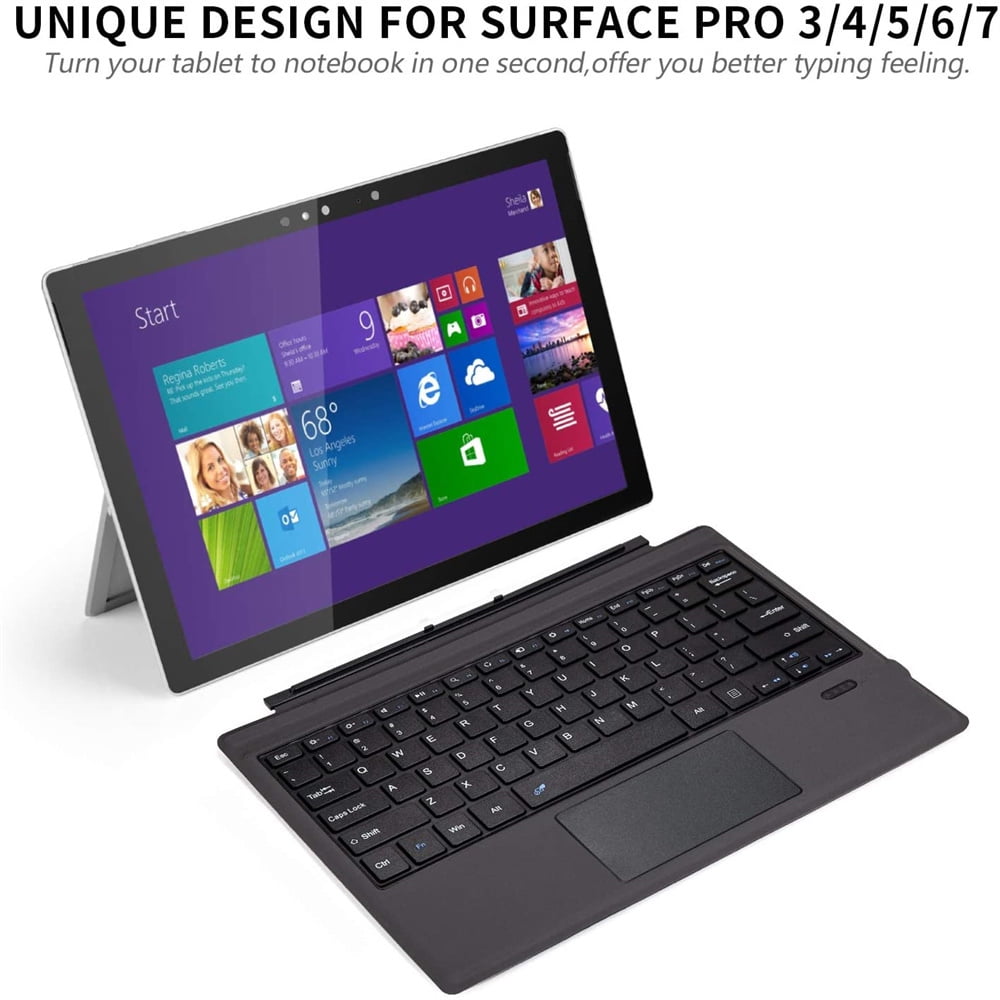
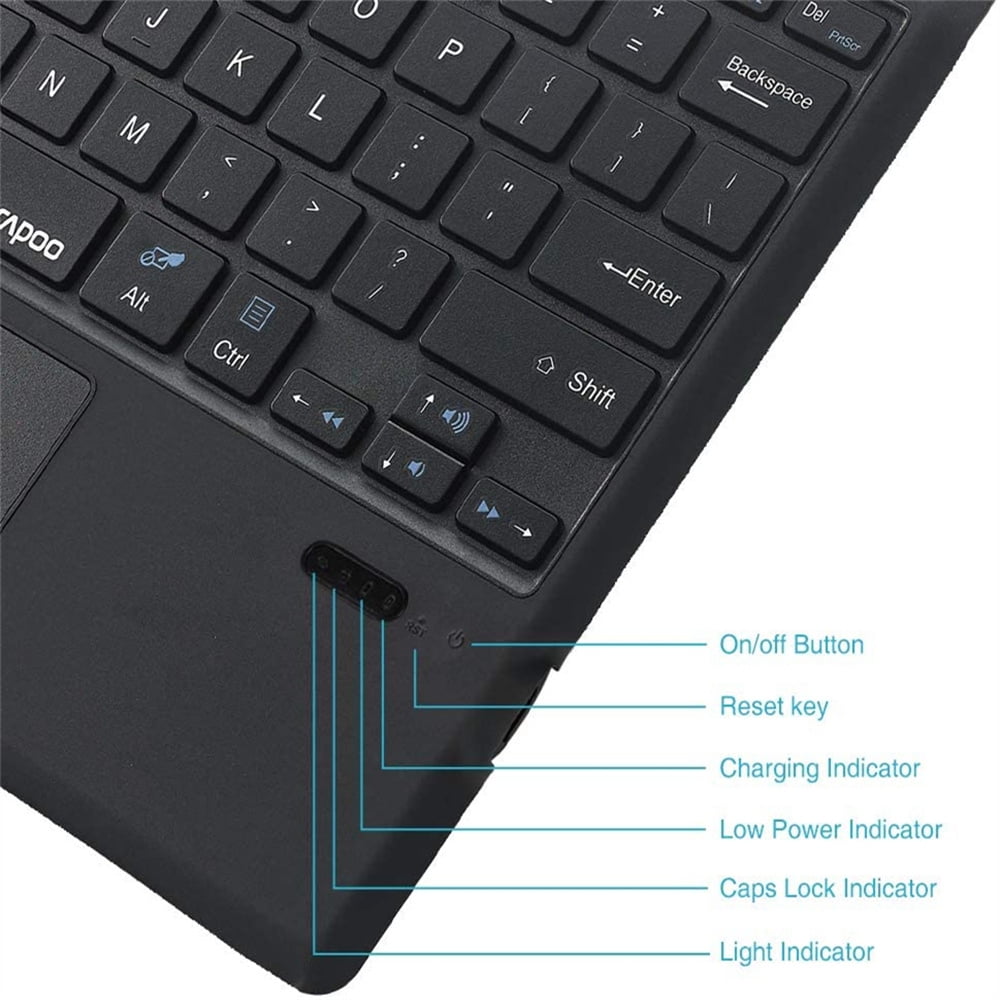
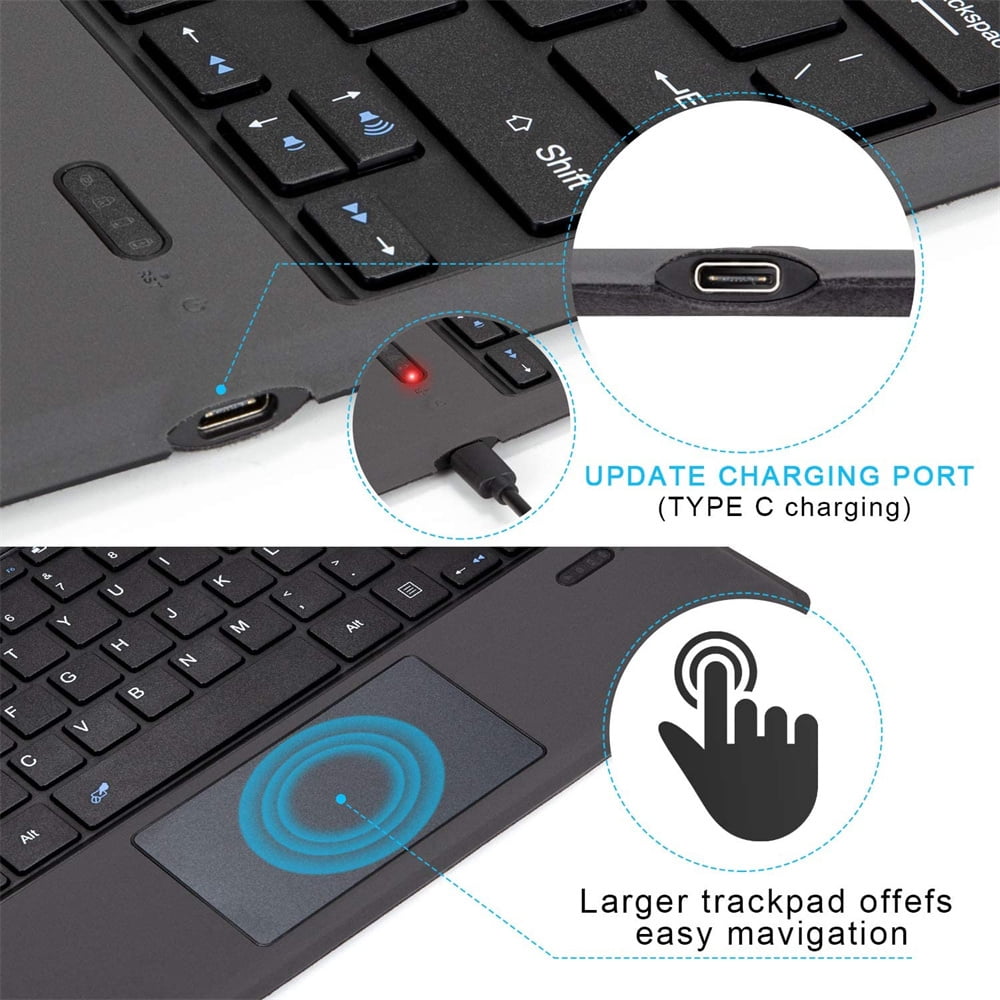
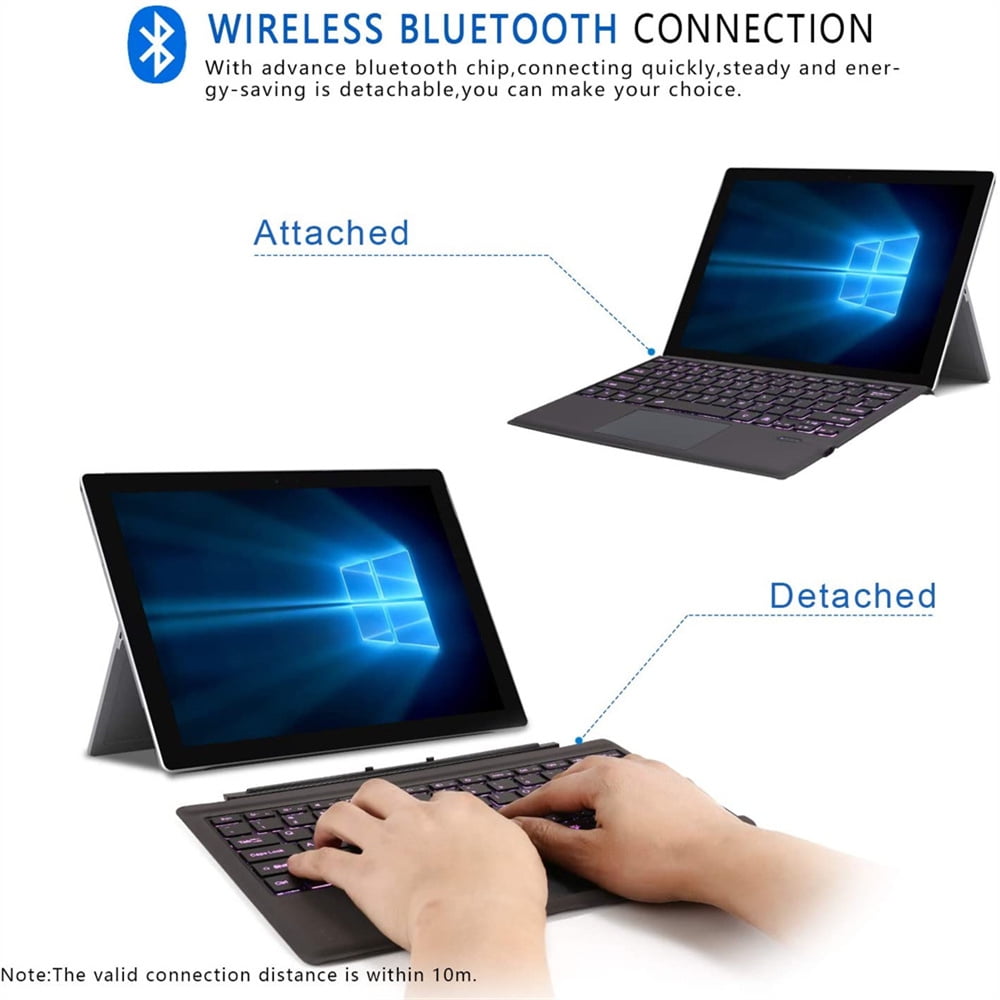
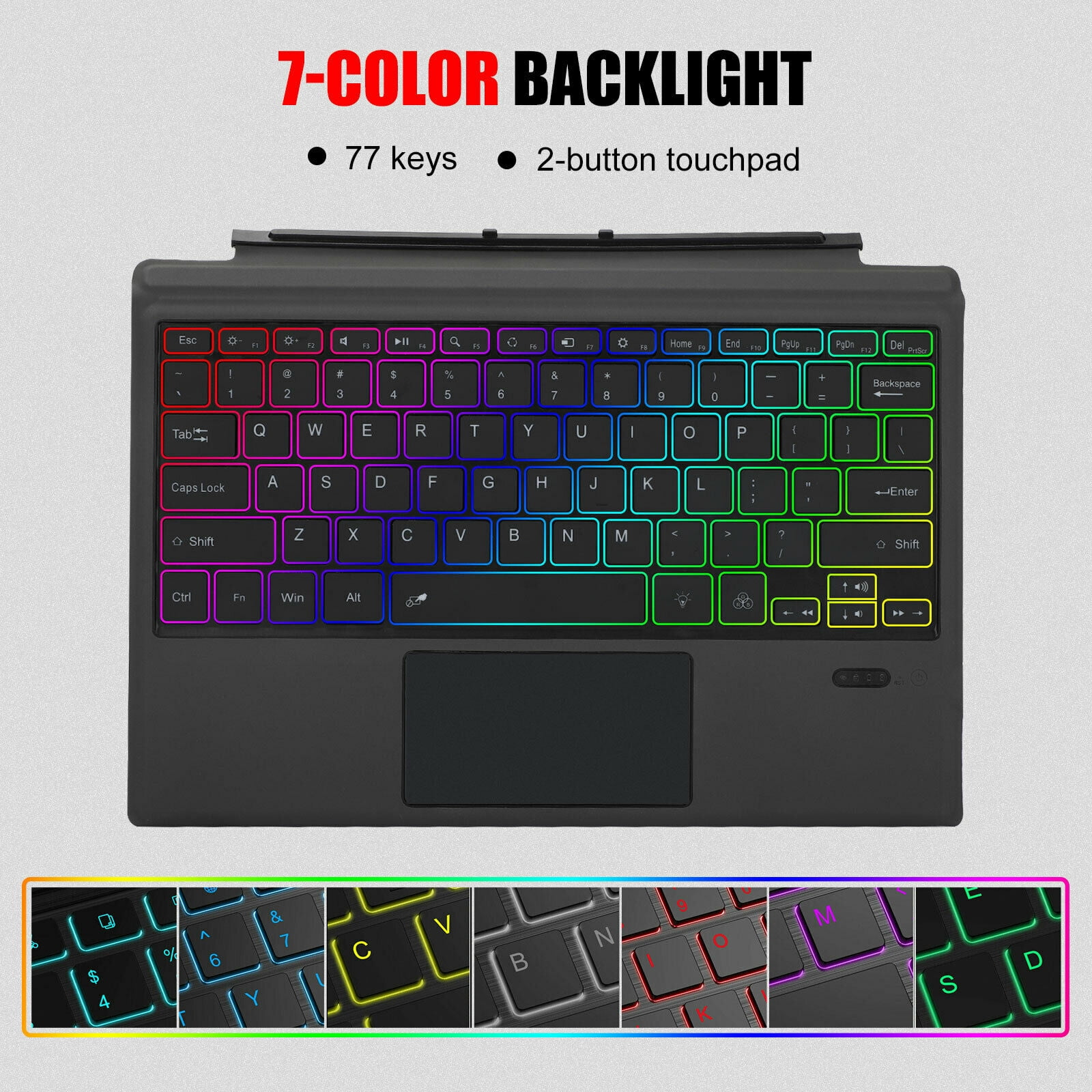
<p>Description:<br>Product Name: Bluetooth-compatible Keyboard<br>Applicable models: compatible for Microsoft surface pro3/4/Pro5/pro6/Pro7;<br>Bluetooth-compatible: Broadcom solution;<br>Features: Fn combined multimedia functions;<br>Applicable system: The keyboard size is specially designed compatible for Microsoft surface pro3/pro4/pro5/Pro6/Pro7. The keyboard supports compatible for Windows all systems and can be used in many ways;<br>Support protocol: Bluetooth-compatible 3.0/4.0/1.1;<br>Power supply: connect to the power supply through the USB interface for power supply;<br>Lithium battery capacity: backlight 450/350;<br>Working environment temperature: -10- +55°;<br>Charging time: 2-3 hours;<br>Use time: 95 hours;<br>Standby time: 60 days;<br>Key life: 500 million times;<br>Effective operating distance: 10 meters;<br>Tutorial: 1. Turn on the Bluetooth-compatible keyboard leather case, and push the switch in the lower right corner from [0FF to ON]. At this time, the leather keyboard starts, and the blue light turns off after 3 seconds. 2. Then press the [Link key]/[connect key] next to it, then the blue light is on, and the Bluetooth-compatible light is flashing. 3. Turn on the tablet, find--Settings--Open Wireless and Network--Turn on Bluetooth-compatible--Search for nearby devices-[Search the Bluetooth-compatible name of the protective case (Bluetooth-compatible keyboard)] and click Connect. 4. The tablet screen prompts [Bluetooth-compatible pairing request (enter Bluetooth-compatible password XXXX to pair "Bluetooth-compatible keyboard")], enter the number displayed on the screen on the Bluetooth-compatible keyboard and press the Enter key, the connection is successful<br>Packing list:<br>1 x Bluetooth-compatible keyboard<br>1 x data cable<br>1 x instruction manual<br>1 x packing box<br>Note:<br>1. Due to manual measurement, please allow 1-3cm error. Make sure you don't mind before bidding.<br>2. Due to the difference of different monitors, the picture may not reflect the actual color of the product. Thanks.</p>
- --Applicable models: compatible for Microsoft surface pro3/4/Pro5/pro6/Pro7.
- --Features: ABS chocolate key core, using PU leather, high-end atmosphere.
- --Support protocol: Bluetooth-compatible 3.0/4.0/1.1.
- --Power supply: connect to the power supply through the USB interface for power supply.
- --Every detail has been taken into account in the manufacturing process in terms of workmanship, design and aesthetics.
| Features | Backlit Keys |
|---|---|
| Wireless | Y |
| Computer keyboard type | Standard Keyboards |
| Brand | Dragonpad USA |
| Color | regular version |
| Power type | Battery |
| Connection | USB |
| Battery consumption type | Integrated Rechargeable Battery |
| Maximum transmission range | 10 ft |
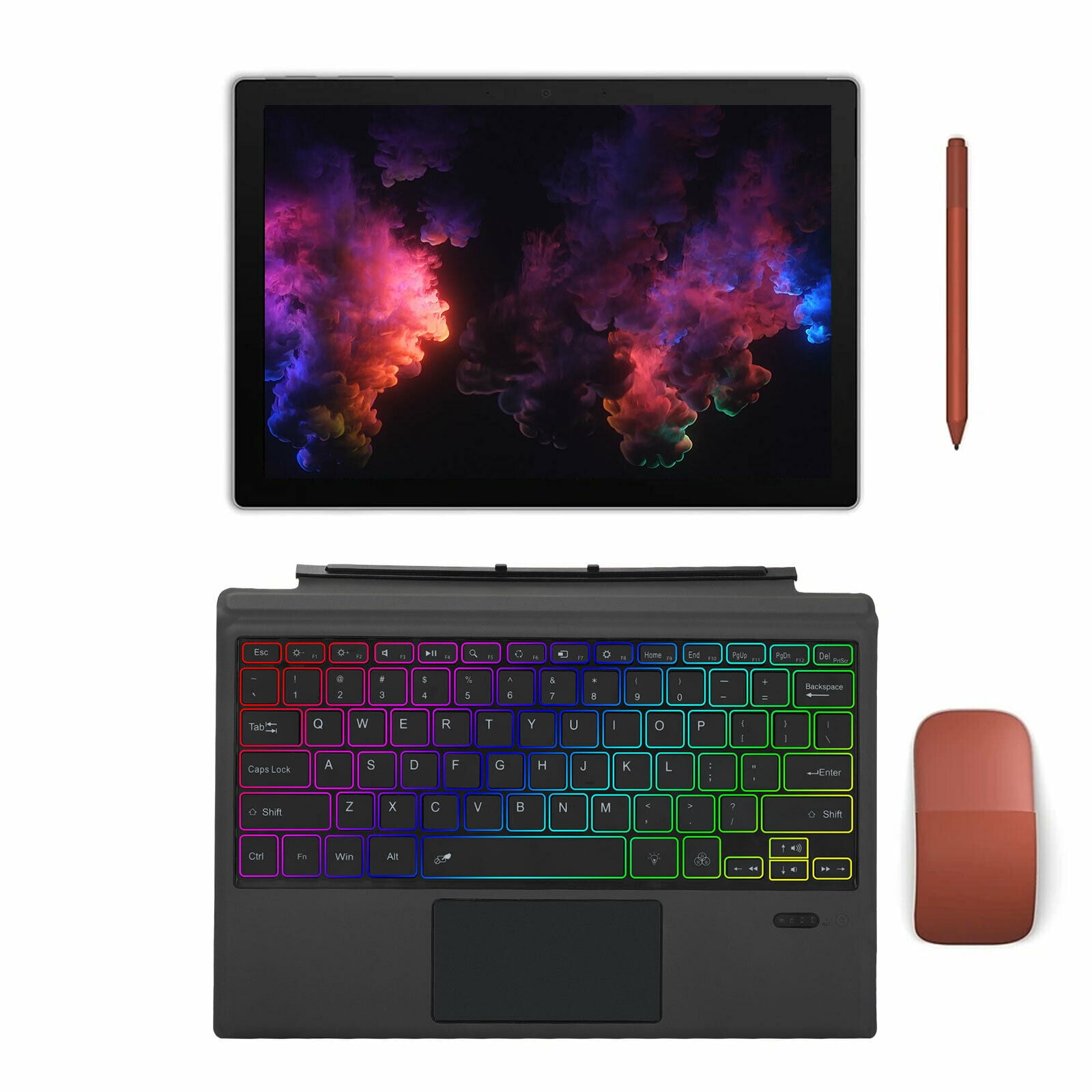
| Accessories | 1 x Data Cable,1 x Instruction Manual,1 x Packing Box |
| Weight | 1.02 lb |
| Count per pack | 1 |
| Retail packaging | Single Piece |
| Has written warranty | No |

Bestseller ranking
Computers


Customers who viewed this product also viewed
Sheds with Floors
Correction of product information
If you notice any omissions or errors in the product information on this page, please use the correction request form below.
Correction Request Form